FREE PHOTO TIPS
Learn simple tips for organizing both printed and digital pictures, plus how to use the best features in your photo app to take the stress out of finding and sharing your favorite memories.
Sign up to receive our FREE photo tips right to your inbox!

NOW is the perfect time to get your favorite Easter pictures organized into an album right on your phone!
This will not only ensure they do not get lost in your photo stream, but will make it incredibly easy to find and share all those great memories in just a few clicks! Say goodbye to the frustrat...
If you’ve ever wondered which app is best for organizing all the photos on your phone, you’re not alone!
After years of taking digital pictures, it’s easy to feel overwhelmed by the sheer number of memories we’ve collected. The good news is that both Apple and Google Photos make it simple to store, ...

Simply, add keywords to your photo’s metadata so you can easily find it later using your photo app’s SEARCH TOOL! 🔍
Follow the simple steps below:
APPLE PHOTOS:
* Open the Photos app from your phone and select a photo
* Tap the info ("i") icon at the bottom of your screen
* Click “Add a Ca...

NOW is the perfect time to get your favorite holiday pictures organized into an album right on your phone! This will not only ensure they don't get lost in your photo stream, but will make it incredibly easy to find and share all those great memories in just a few clicks! Say goodbye to the frustrat...

Taking just a few minutes to clean up the pictures on your phone can help you avoid the dreaded “Storage is Full” alert ⚠️ when you’re trying to capture special holiday moments with your friends and family in the coming weeks!
👉🏻 Check out pg. 7 for more info:

📸 This picture captures how amazing it was to grow up in the 80s and brings back so many memories of shenanigans with my sisters and cousins!
And while my parents have thousands of printed pictures from this time, I love having a FEW of my favorites right on my phone anytime I need a good laugh or ...
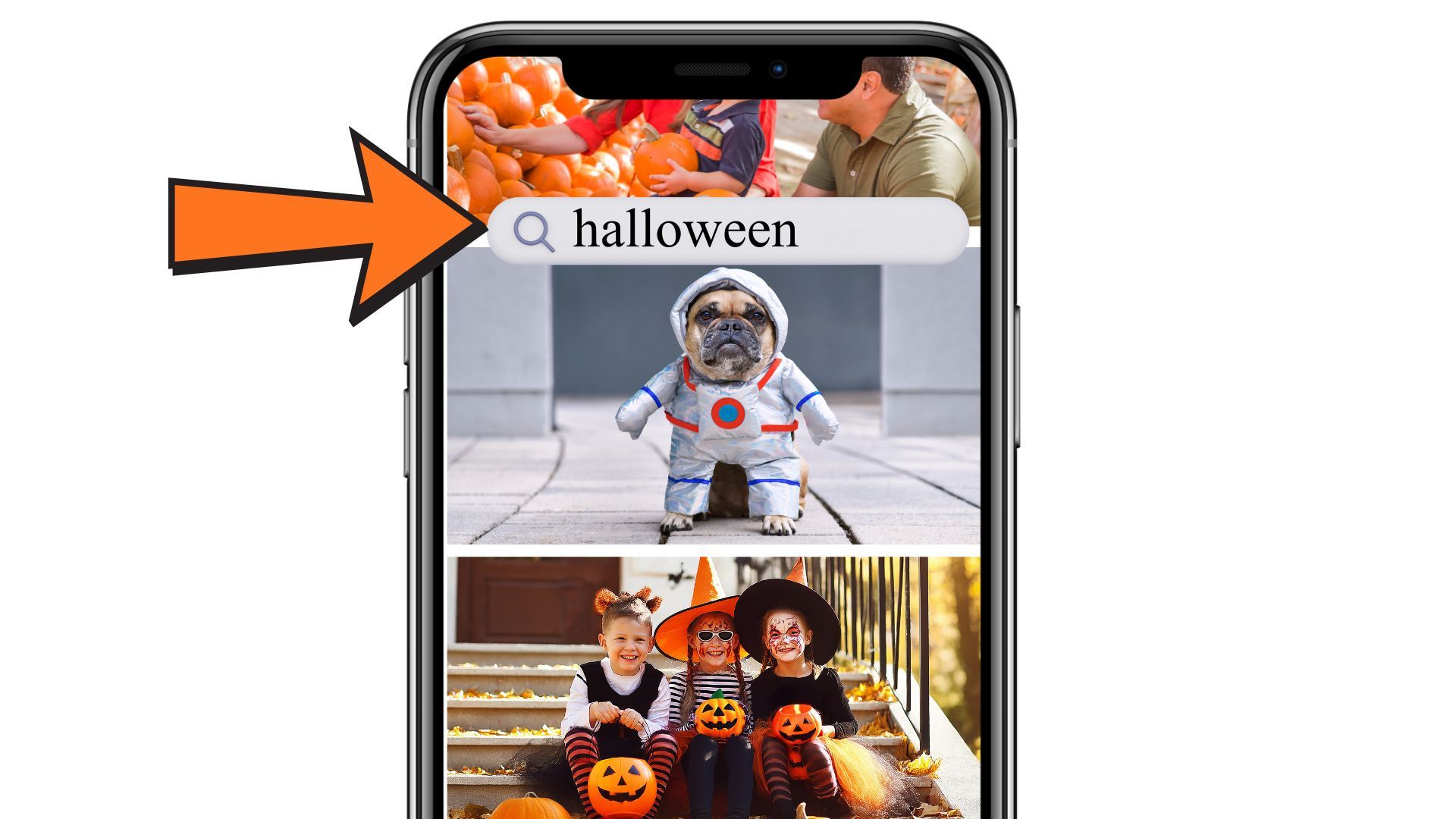
And you can find all your old holiday photos in just seconds using the SEARCH TOOL in your photo app? It’s so easy and will bring a little spark of joy to your day! ✨
iPHONE/APPLE PHOTOS USERS:
• Open the Photos app from your phone
• Click the blue "Search" tool in the top right corner of your scree...
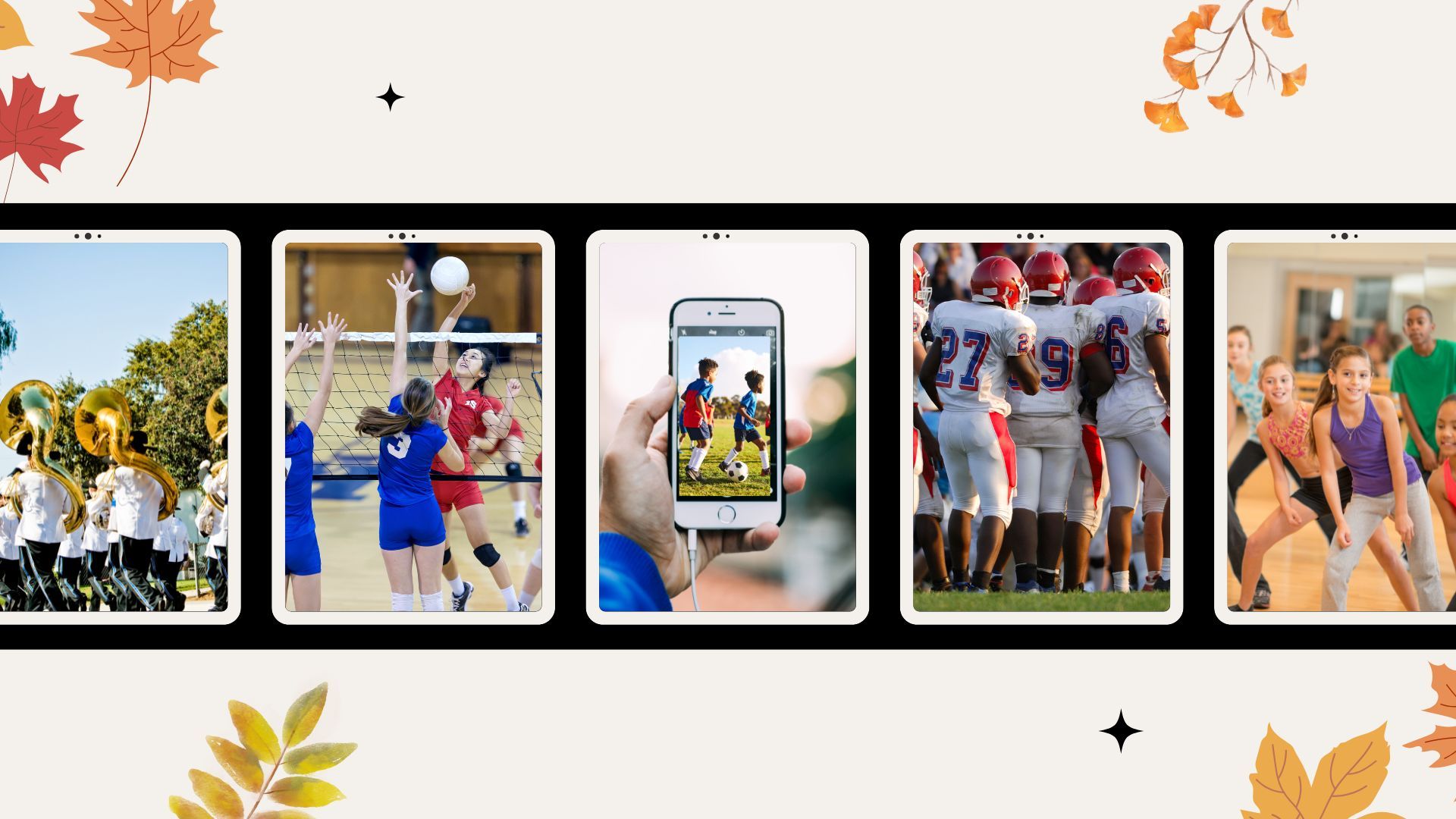
Have you already taken hundreds of pictures of your kids’ football, volleyball, soccer, band, dance, or other fall activities? Chances are, your photo stream is bursting with pictures and if you don’t do something soon, in just a few months these memories could be buried among thousands of other mom...
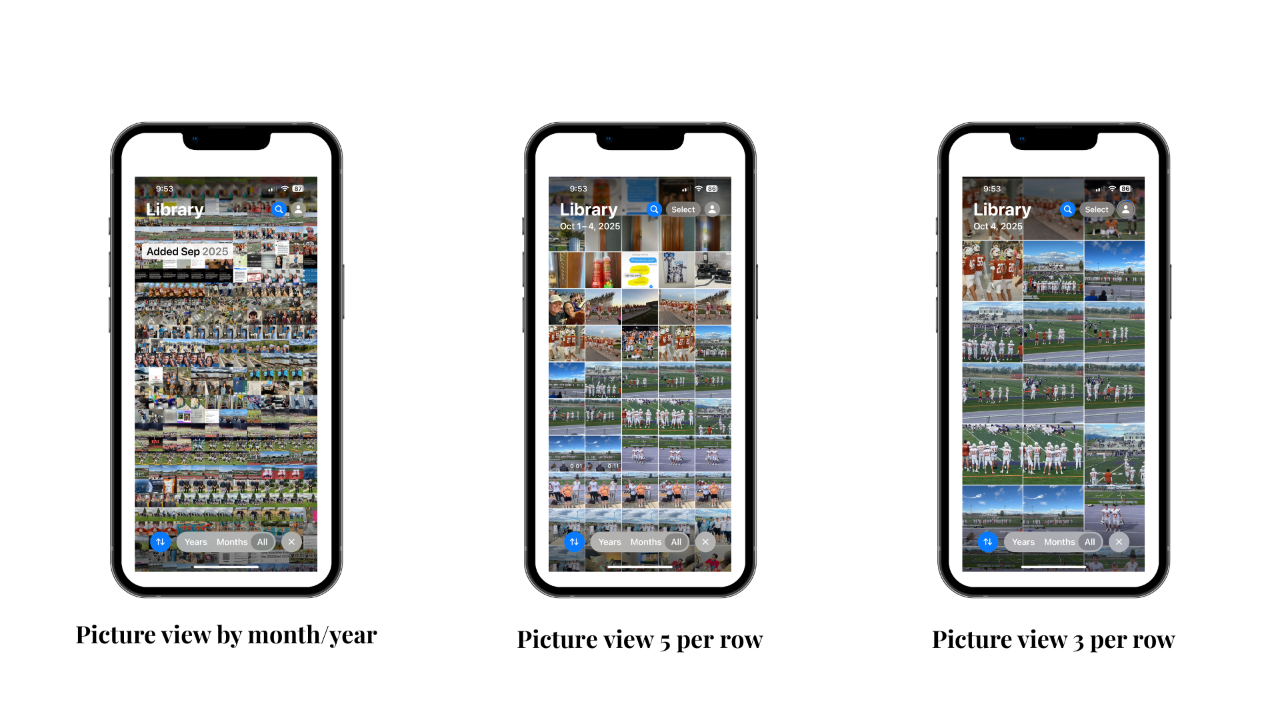
Are the thumbnail pictures on your phone so small you feel like you need a magnifying glass? 🔎
Me too! But lucky for us, there's a simple solution! ✨
1️⃣ Open Apple or Google Photos from your phone
2️⃣ Go to your photo stream
3️⃣ Put your fingers on the screen & pinch in/out
4️⃣ Adjust until your photos...

As we wrap up the last official weekend of summer…
It’s the perfect time to reflect on all the memories you’ve made these last few months — backyard barbecues, hiking, camping, days at the pool or lake, concerts, games, vacations, and all those little in-between moments.
You probably snapped plent...

If your camera roll is bursting with Mother's Day photos, now is the perfect time to organize those memories into an album before they get buried in the chaos of your photo stream!
It only takes ONE MINUTE to create an album, making it incredibly easy to find and share your favorite memories from t...
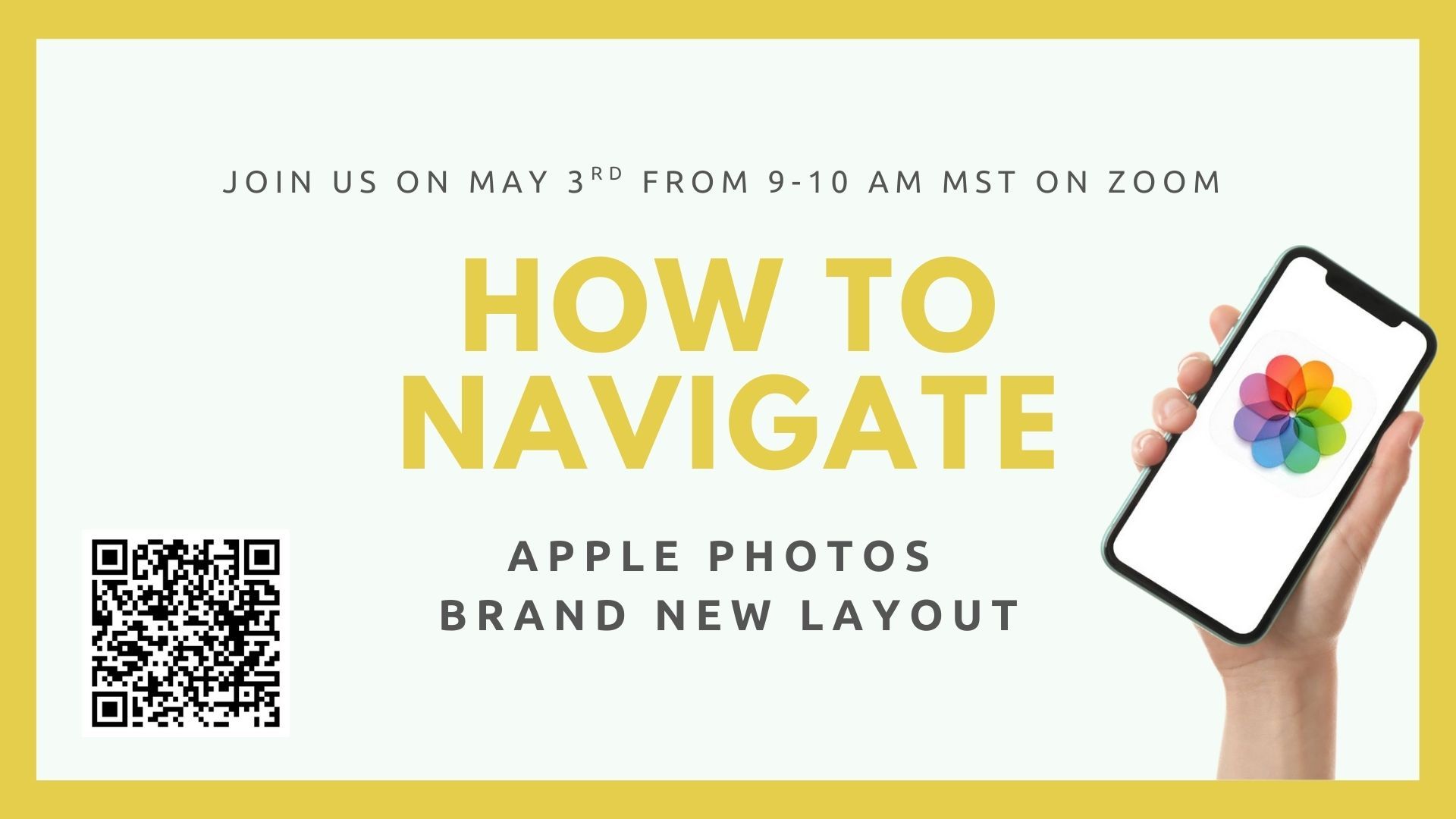
Apple launched iOS 18 in September of 2024, bringing the biggest change to the Photos app yet!
Save yourself the time and stress of figuring it out on your own and join us for one quick hour and learn how to navigate the new interface and customize the app so your favorite photos are easy to find ...